
Newbie here using BRU v3.2.0.1
I need to rename
1
10
2
to
01
02
10
I've been at it an hour and I can'r quite figure out how to pad. I see it but I just can't get it to do anything.
1 10 2 --> 01 02 10
17 posts • Page 1 of 2 • 1, 2
1 10 2 --> 01 02 10
 by Missoula » Thu Mar 12, 2026 11:41 pm
- Missoula
- Posts: 5
- Joined: Thu Mar 12, 2026 11:03 pm
Re: 1 10 2 --> 01 02 10
by Missoula » Sun Mar 15, 2026 4:15 pm
Thanks, but I don't have that option. Under Name 2, I have
Keep
Pemove
Fixed
Reverse
Under Numbering 10, I see Pad but I can't figure out how ro make it work.
Keep
Pemove
Fixed
Reverse
Under Numbering 10, I see Pad but I can't figure out how ro make it work.
- Missoula
- Posts: 5
- Joined: Thu Mar 12, 2026 11:03 pm
Re: 1 10 2 --> 01 02 10
by therube » Mon Mar 16, 2026 4:44 pm
Thanks, but I don't have that option. Under Name 2
Update to the current BRU, 4.1.0.1, & then you will
 .
.---
2:Name
- Code: Select all
Pad Numbers
or as a workaround (that kind of works)
10:Numbering
- Code: Select all
Mode: Prefix
Start: 0
Incr.: 0
Pad: 1
You would have to exclude '10' from your selection lest you end up with '010'.
- therube
- Posts: 1488
- Joined: Mon Jan 18, 2016 6:23 pm
Re: 1 10 2 --> 01 02 10
by Missoula » Tue Mar 17, 2026 6:47 am
-- Update to the current BRU
I can't.
Is this the final answer, that my current version won't do it?
I can't.
Is this the final answer, that my current version won't do it?
- Missoula
- Posts: 5
- Joined: Thu Mar 12, 2026 11:03 pm
Re: 1 10 2 --> 01 02 10
by Missoula » Tue Mar 17, 2026 7:04 am
I should add that I have hundreds of directories, each with 50 to 300 files, named as above. I was just trying to simplify the request. So it's not just deleteing 10, it would be relocating all 2 and 3 digit files, renaming 1-9, putting back just the 10-99 files, adding another zero, and putting back the 3 digit numbers. This is exactly what I did with Lupas about three times before the tedium caused me come here for help. I still have several hundred, possibly 1,000 plus, directories to go. It would take me many days even if I didn't stop to eat or sleep.
I can see that BRU is vastly more powerful than Lupas so I hope to find a solution here.
I can see that BRU is vastly more powerful than Lupas so I hope to find a solution here.
- Missoula
- Posts: 5
- Joined: Thu Mar 12, 2026 11:03 pm
Re: 1 10 2 --> 01 02 10
by therube » Tue Mar 17, 2026 4:43 pm
(
Ah, the last version that supported Windows XP.
-
Lupas still has its place, IMO.
I have any number of directories where I've included custom MyOptions.INI within in order to rename all files in that directory in a specific manner.
)
BRU v3.2.0.1
Ah, the last version that supported Windows XP.
-
Lupas still has its place, IMO.
I have any number of directories where I've included custom MyOptions.INI within in order to rename all files in that directory in a specific manner.
)
- therube
- Posts: 1488
- Joined: Mon Jan 18, 2016 6:23 pm
Re: 1 10 2 --> 01 02 10
by therube » Tue Mar 17, 2026 5:11 pm
If ordering did not matter (but I suspect it would), then you could use,
2:Name -> Remove
10:Numbering, & just set the Start, Incr., & Pad as needed.
Maybe something could be done with JavaScript renaming (in particular if the sort order could be controlled, could be set to a natural sort [such that it would be 1 2 3 ... 10, rather then 1 10 11 ... 2 3])?
Actually, Display Options -> Sorting - Logical Sorting already exists.
So if the file names are only numbers..., you can do that now.
Set Logical Sorting, 10:Numbering & just set what you need in there.
2:Name -> Remove
10:Numbering, & just set the Start, Incr., & Pad as needed.
Maybe something could be done with JavaScript renaming (in particular if the sort order could be controlled, could be set to a natural sort [such that it would be 1 2 3 ... 10, rather then 1 10 11 ... 2 3])?
Actually, Display Options -> Sorting - Logical Sorting already exists.
So if the file names are only numbers..., you can do that now.
Set Logical Sorting, 10:Numbering & just set what you need in there.
- therube
- Posts: 1488
- Joined: Mon Jan 18, 2016 6:23 pm
Re: 1 10 2 --> 01 02 10
by Bog_Standard » Tue Mar 17, 2026 6:03 pm
If the filename you want to pad always starts with one digit followed by a space and you want to pad to 2 digits try:
Regex (1)
If the filename you want to pad always starts with two digits followed by a space and you want to pad to three digits try:
Regex (1)
I do not have your version to check this so proceed with caution, ie do a trial run.
Regards...
Regex (1)
- Code: Select all
Match (^\d )(.*)
Replace 0\1\2
If the filename you want to pad always starts with two digits followed by a space and you want to pad to three digits try:
Regex (1)
- Code: Select all
Match (^\d\d )(.*)
Replace 0\1\2
I do not have your version to check this so proceed with caution, ie do a trial run.
Regards...
- Bog_Standard
- Posts: 6
- Joined: Fri Aug 22, 2025 8:53 pm
Pad digit-only names into 2-digits
by Luuk » Tue Mar 17, 2026 7:18 pm
Without having the paid version and javascript, I would probably just conduct 2 separate renames...
First use a Filters(12) "Mask" like ^\d+\.[^.]+$ with the checkmark inside for "RegEx" to refresh.
This presents your digit-only filenames, and then just use Add(7) to prefix a bunch of zeroes.
After that rename adds too many zeroes, then just remove your Add(7) prefix.
And use RegEx(1) with a "Match" and "Replace" like...
^0*(\d\d)$
\1
This removes any extra leading zeroes.
If its something you need often, type all of these settings in before saving into a .bru-file.
This way its easier to conduct the 2nd-rename by just removing the Add(7) checkmark.
First use a Filters(12) "Mask" like ^\d+\.[^.]+$ with the checkmark inside for "RegEx" to refresh.
This presents your digit-only filenames, and then just use Add(7) to prefix a bunch of zeroes.
After that rename adds too many zeroes, then just remove your Add(7) prefix.
And use RegEx(1) with a "Match" and "Replace" like...
^0*(\d\d)$
\1
This removes any extra leading zeroes.
If its something you need often, type all of these settings in before saving into a .bru-file.
This way its easier to conduct the 2nd-rename by just removing the Add(7) checkmark.
- Luuk
- Posts: 854
- Joined: Fri Feb 21, 2020 10:58 pm
Re: 1 10 2 --> 01 02 10
by Missoula » Tue Mar 17, 2026 8:21 pm
Ah, several replies. Thanks for your time, therube, Bog_Standard and Luuk. Please bear with me as I consolidate my responses to all of you in this one post.
> the last version that supported Windows XP
Busted. Yes, I'm stuck at XP for the duration.
> Lupas still has its place, IMO.
Agreed.
> custom MyOptions.INI
I don't know what that means. Are you suggesting it as something I should try?
> If ordering did not matter (but I suspect it would)
Yes, it matters absolutely. These scanned book pages.
> JavaScript renaming
Again, I don't know what that means.
> Display Options -> Sorting - Logical Sorting already exists.
I'm trying to find Display Options. Control Panel/Display doesn't seem to have it, nor does Display Properties. But I think it's moot since each directory, once the files are named properly, will need to be rarred and have the extension changed to .cbr for viewing in CDisplay.
> Set Logical Sorting
I seem to remember seeing a Logical Sorting option many years ago but again, I can't find it now. Which of these is Microsoft's idea of "logical":
1 10 2 (alpha)
or
1 2 10 (actual numeric value) ?
At any rate, I've been set on Alpha since the Stone Age and moreover, so is CDisplay. I really need the 01 02 10 rename.
> If the filename you want to pad always starts with one digit followed by a space
No filenames have a space. All of them are 1, 2, or 3 numeric digits.
> do a trial run.
Naturally. I have one copied directory that I've been using to work with BRU.
> I would probably just conduct 2 separate renames
That's what I've been doing with Lupas, but it requires moving files in and out of the working directory between renames. It seems from what you're saying that BRU will let me do one rename, then another. Done in a few clicks. I could cheerfully go along with that, if only I can figure out Filters(12). I did exactly as you said, with ^\d+\.[^.]+$ as the mask, the RegEx box ticked, and Add(7) Preview set to 00. Then, in the lower right, both Preview and Rename return "There are no selected items that need renaming."
I appreciate your time, all of you.
> the last version that supported Windows XP
Busted. Yes, I'm stuck at XP for the duration.
> Lupas still has its place, IMO.
Agreed.
> custom MyOptions.INI
I don't know what that means. Are you suggesting it as something I should try?
> If ordering did not matter (but I suspect it would)
Yes, it matters absolutely. These scanned book pages.
> JavaScript renaming
Again, I don't know what that means.
> Display Options -> Sorting - Logical Sorting already exists.
I'm trying to find Display Options. Control Panel/Display doesn't seem to have it, nor does Display Properties. But I think it's moot since each directory, once the files are named properly, will need to be rarred and have the extension changed to .cbr for viewing in CDisplay.
> Set Logical Sorting
I seem to remember seeing a Logical Sorting option many years ago but again, I can't find it now. Which of these is Microsoft's idea of "logical":
1 10 2 (alpha)
or
1 2 10 (actual numeric value) ?
At any rate, I've been set on Alpha since the Stone Age and moreover, so is CDisplay. I really need the 01 02 10 rename.
> If the filename you want to pad always starts with one digit followed by a space
No filenames have a space. All of them are 1, 2, or 3 numeric digits.
> do a trial run.
Naturally. I have one copied directory that I've been using to work with BRU.
> I would probably just conduct 2 separate renames
That's what I've been doing with Lupas, but it requires moving files in and out of the working directory between renames. It seems from what you're saying that BRU will let me do one rename, then another. Done in a few clicks. I could cheerfully go along with that, if only I can figure out Filters(12). I did exactly as you said, with ^\d+\.[^.]+$ as the mask, the RegEx box ticked, and Add(7) Preview set to 00. Then, in the lower right, both Preview and Rename return "There are no selected items that need renaming."
I appreciate your time, all of you.
- Missoula
- Posts: 5
- Joined: Thu Mar 12, 2026 11:03 pm
Pad single-digit names into 2-digits
by Luuk » Tue Mar 17, 2026 8:23 pm
Many apologies on my 1st-post, its over-complicated because I thought this was 3-digit padding.
So then after realizing this, I just quickly adapted the post, to instead conduct 2-digit padding!
All you really need is 1-rename...
A Filters(12) "Mask" like ^\d\.[^.]+$ then put the checkmark inside for "RegEx" to refresh.
This presents your single-digit filenames, so then just use Add(7) to prefix one zero.
The 1st-method was better for 3-or-more padding (just add more \d's) for people with old versions.
Which I would definitely recommend anyway, since you seem to also have 3-digit names??
So then after realizing this, I just quickly adapted the post, to instead conduct 2-digit padding!
All you really need is 1-rename...
A Filters(12) "Mask" like ^\d\.[^.]+$ then put the checkmark inside for "RegEx" to refresh.
This presents your single-digit filenames, so then just use Add(7) to prefix one zero.
The 1st-method was better for 3-or-more padding (just add more \d's) for people with old versions.
Which I would definitely recommend anyway, since you seem to also have 3-digit names??
- Luuk
- Posts: 854
- Joined: Fri Feb 21, 2020 10:58 pm
File selection
by Luuk » Tue Mar 17, 2026 8:35 pm
Your names must 1st be selected, before any renaming will conduct.
For myself, I just use "Display Options, List, Auto-Select Entries", but you can always Ctrl-A, etc.
For myself, I just use "Display Options, List, Auto-Select Entries", but you can always Ctrl-A, etc.
- Luuk
- Posts: 854
- Joined: Fri Feb 21, 2020 10:58 pm
Re: 1 10 2 --> 01 02 10
by therube » Thu Mar 19, 2026 5:22 pm
Display Options -> Sorting - Logical Sorting already exists.
> I'm trying to find Display Options. Control Panel/Display doesn't seem to have it, nor does Display Properties
This is the 'Display Options' (menu item) in BRU itself.
Alpha 1 10 100 2 3 4
Logical/Natural 1 2 3 ... 10 11 12 ... 20 21 22 ... 99 100 101 ...
custom MyOptions.INI
> I don't know what that means. Are you suggesting it as something I should try?
MyOptions.INI is a file that could be used by Lupas.
If said file exists in a directory, you can call up (load) those specific settings such that the settings are specific to that directory. In my case, I have files that may go in as 91.txt 92.txt 93.txt & I set the names to "dates", so I might end up with PR 2023-12-29 001.TXT, PR 2023-12-29 002.TXT, PR 2023-12-29 003.TXT.
- Code: Select all
[Filename]
File Mask=9*.TXT
Replace With=1
Replace With Text="\7y-\7m-\7d "
Insert Before text="PR "
[Autonumber]
No Changes=0
Before Filename=0
After Filename=1
start At=1
Increment=1
ZeroFill=2
These scanned book pages
Are they consecutive; 1..999..9999?
If so you can do it.
@Luuk, he's on an old version of BRU, so something like ^0*(\d\d)$ won't work in 7:Add.
- therube
- Posts: 1488
- Joined: Mon Jan 18, 2016 6:23 pm
Re: 1 10 2 --> 01 02 10
by therube » Thu Mar 19, 2026 5:36 pm
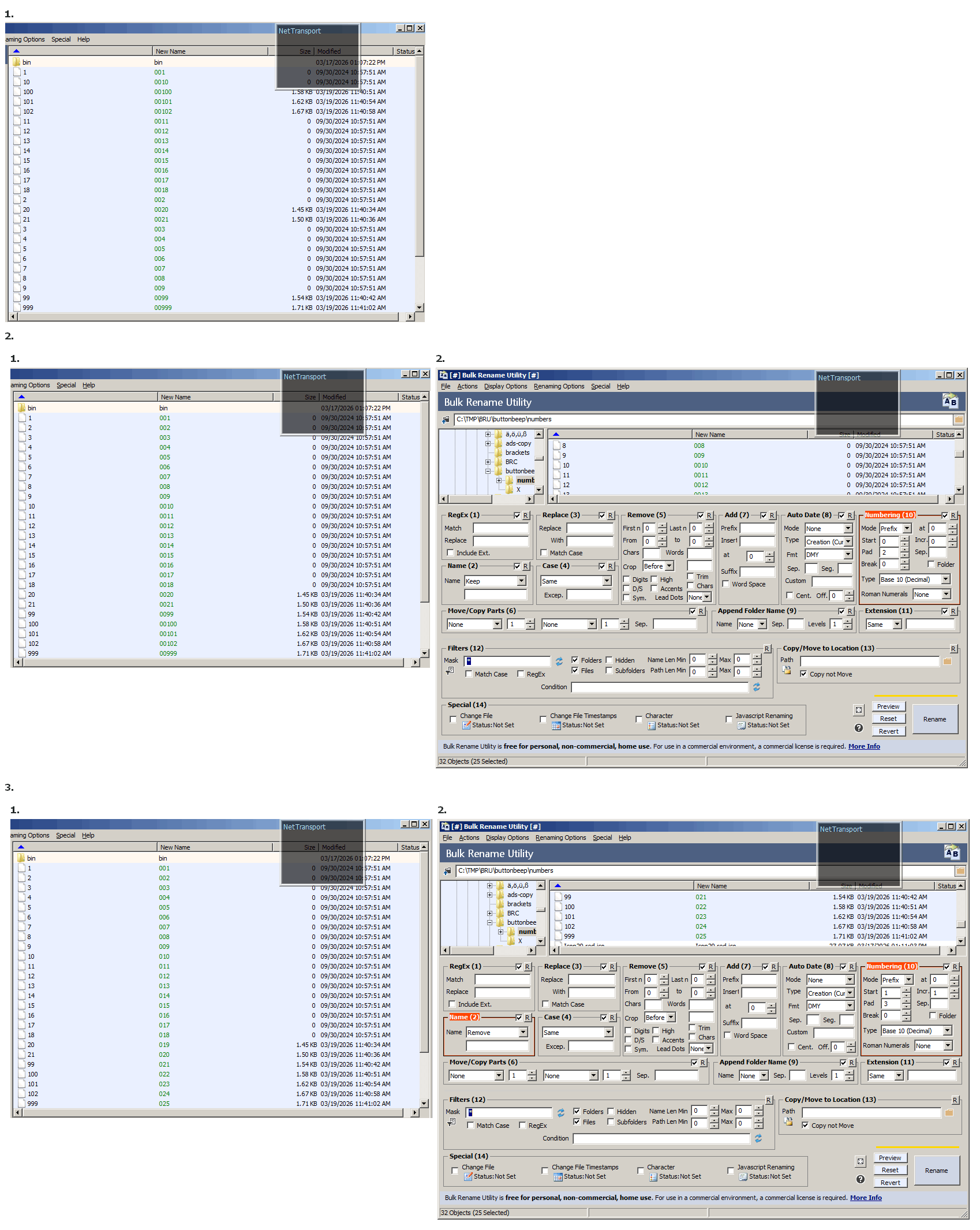
1. alpha sort
(with 'Logical Sorting' enabled:)
2. "padding", but you'd have to do each range (1..9, 10..99, 100..999 ...) separately, lest you end up with extraneous 0's.
3. if your (chapter) numbers are consecutive, you can simply remove the name (2:Name), entirely, & simply use 10:Numbering to (re)number + Pad: to the number of placeholders you want.
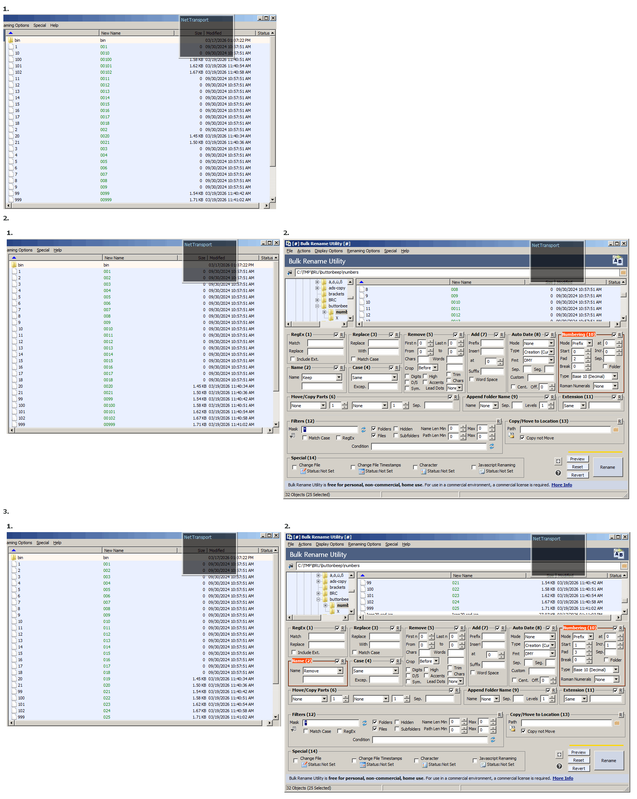
Better actually, https://i.postimg.cc/hPjy0CBX/BRU-sorting-padding.png
(If you wanted only file names that start with numbers something like:
12:Filters:, Mask: ^\d, RegEx <enable>, Files
might suffice.)
(with 'Logical Sorting' enabled:)
2. "padding", but you'd have to do each range (1..9, 10..99, 100..999 ...) separately, lest you end up with extraneous 0's.
3. if your (chapter) numbers are consecutive, you can simply remove the name (2:Name), entirely, & simply use 10:Numbering to (re)number + Pad: to the number of placeholders you want.
Better actually, https://i.postimg.cc/hPjy0CBX/BRU-sorting-padding.png
(If you wanted only file names that start with numbers something like:
12:Filters:, Mask: ^\d, RegEx <enable>, Files
might suffice.)
- therube
- Posts: 1488
- Joined: Mon Jan 18, 2016 6:23 pm
17 posts • Page 1 of 2 • 1, 2